DELIVERY
United States
Canada
United Kingdom
Ireland
Australia
New Zealand
There is no need to stay at home for a letterbox package; it is delivered immediately. Larger packages are delivered to the neighbors or to a pickup point. You will receive a notification of this via the delivery service. This is also indicated in the tracking page as “ready to pick up”..
WARRANTY & RETURN
Our warranty covers:
Do you have a defect? Fill out the contact form and our support team will be happy to help you so you can get back to enjoying your GARD PRO quickly!
The warranty does not cover damage due to:
We also offer insurance within Gard Pro GardCare+. This insurance covers you against e.g. falls and/or water damage.
If this happens, we will provide you with a replacement product free of charge!
gereral product information
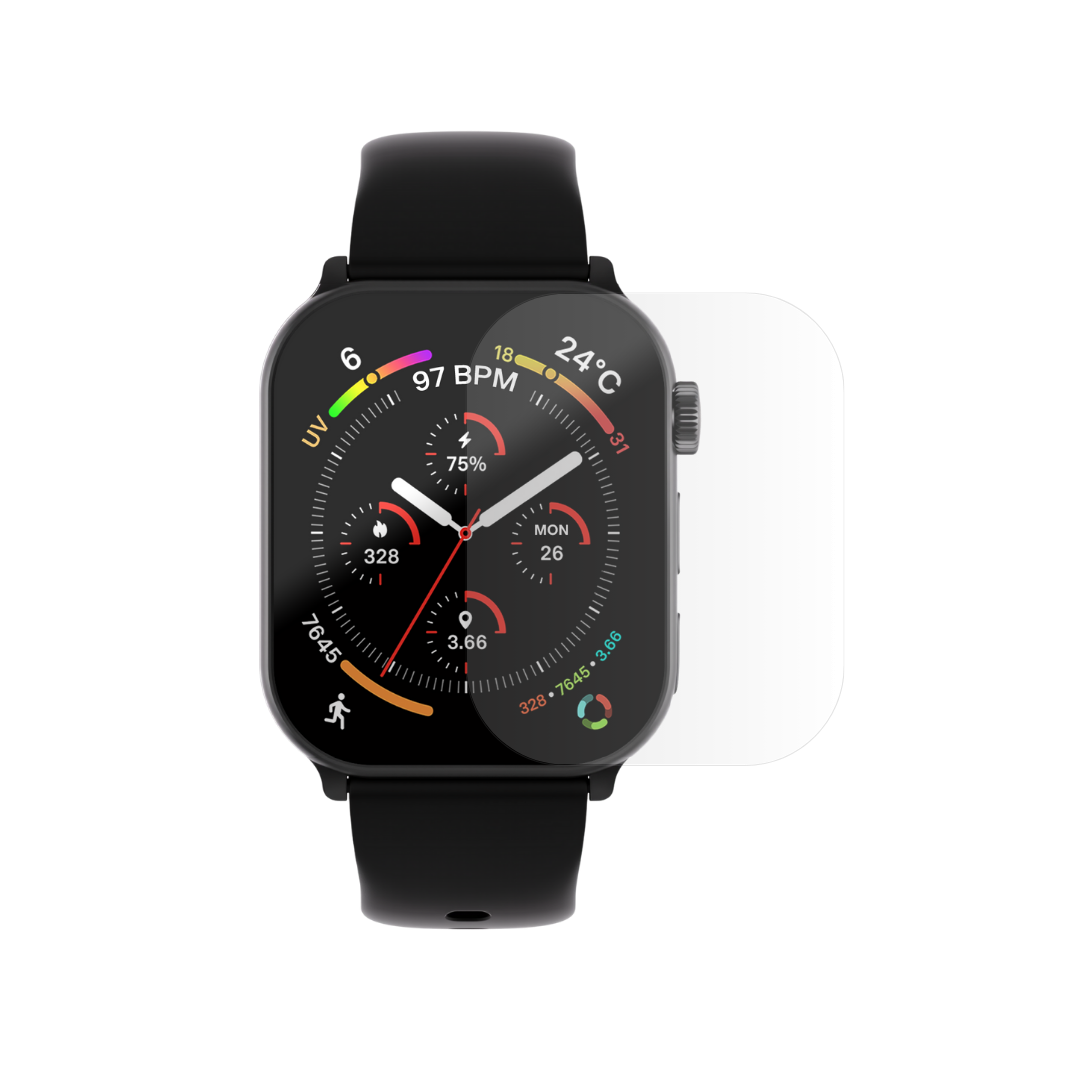
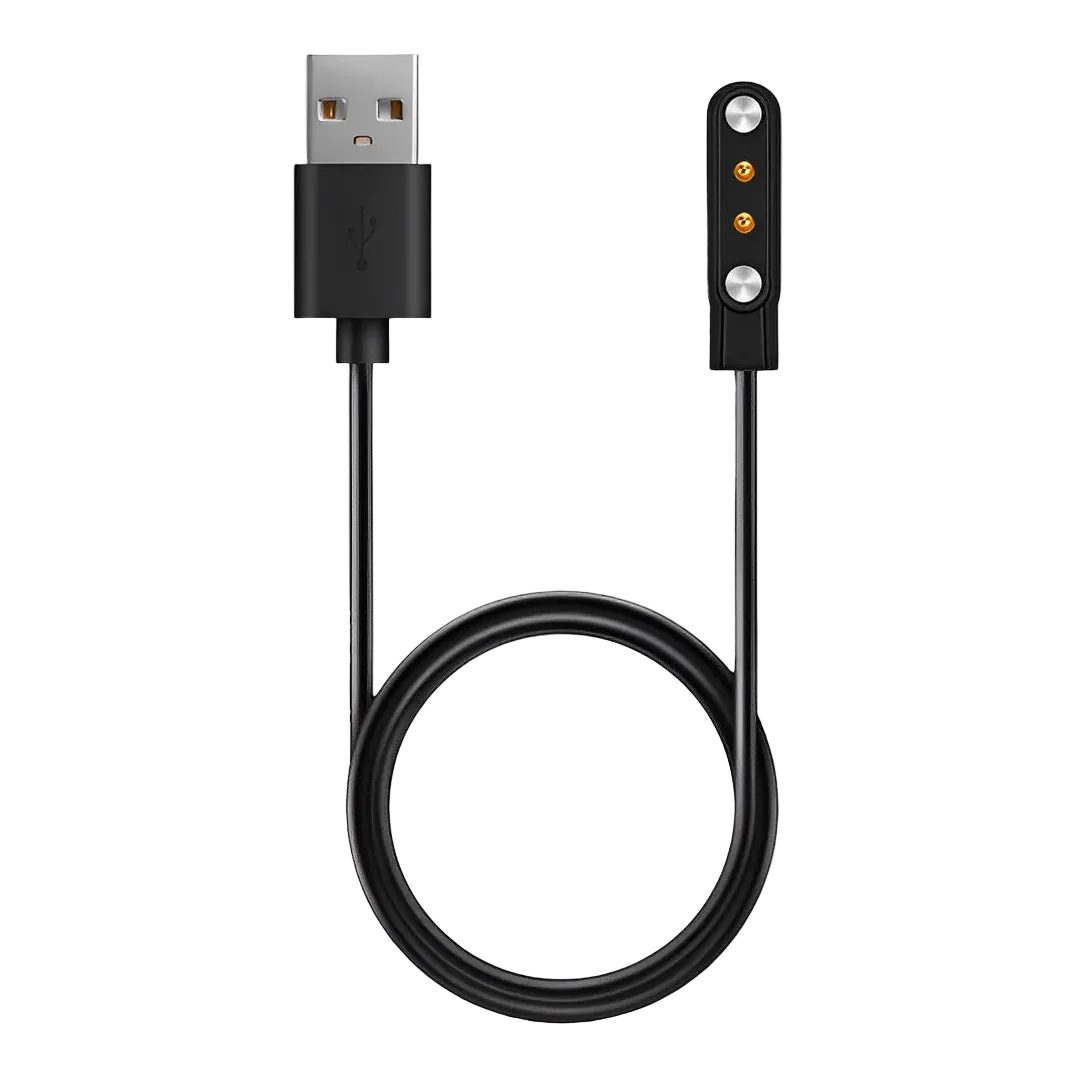
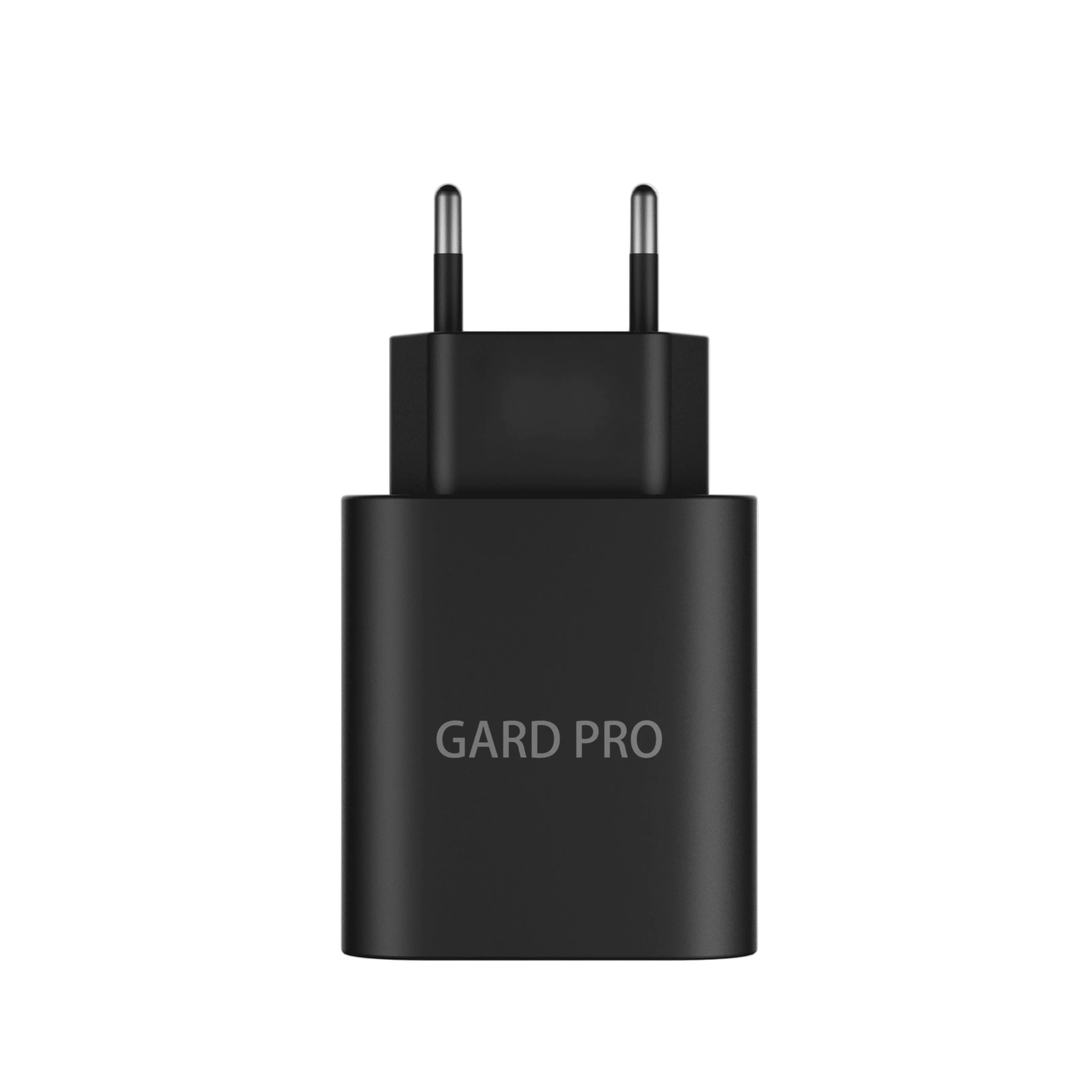
When you purchase a GARD PRO smartwatch, you will receive:
Water resistance varies by model:
🏊♂️ Not all models are suitable for swimming. Check the specifications for each model on our website.
📊 All models measure:
For more information about the health functions, check the product page for each model.
Troubleshooting & Settings
Downloading the GARD PRO FIT
Creating an account.
Login to my account
Connecting to the GARD PRO
Want to receive notifications from specific apps on your GARD PRO smartwatch? Follow these simple steps for all our models:
You will see a list of apps for which you can receive notifications. Enable notifications for the apps you want to receive notifications from.
If notifications are not coming through, check the following settings:
Check the GARD PRO FIT app settings.
Open the GARD PRO FIT app on your smartphone.
Go to the notification settings within the app.
Make sure the check boxes for the desired apps are selected.
Check the app permissions on your smartphone
Open your cell phone's settings.
Go to 'Apps' and search for the “GARD PRO FIT app”.
Make sure all necessary permissions are enabled, such as notifications and access to notifications.
Check the settings of individual apps
Go to the phone settings and open 'Apps'.
Search for the specific app, for example WhatsApp, and check if “show preview” is set to 'Always'. If necessary, turn this on.
Repeat this step for other apps you want to receive notifications from.
⚡ Tips to extend battery life:
If you want a deeper view of your sports performance, such as your route and comprehensive statistics, you can launch the sports function through the GARD PRO FIT app. This will give you a detailed report of your activity. Here's what to expect:
How to start the detailed sports data with the GARD PRO
Want a detailed report of your sports performance and workout data? Then follow the steps below to find this data in the GARD PRO FIT app:
By regularly reviewing your data, you can potentially notice trends and changes in your health and adjust your lifestyle as needed. How to do this.
Open the GARD PRO FIT app.
Go to “Home.”
Select Health Measurement.
On the Home page, you will see different options for health measurements such as heart rate, blood pressure, blood oxygen and body temperature.
Tap the health measurement whose data you want to view.
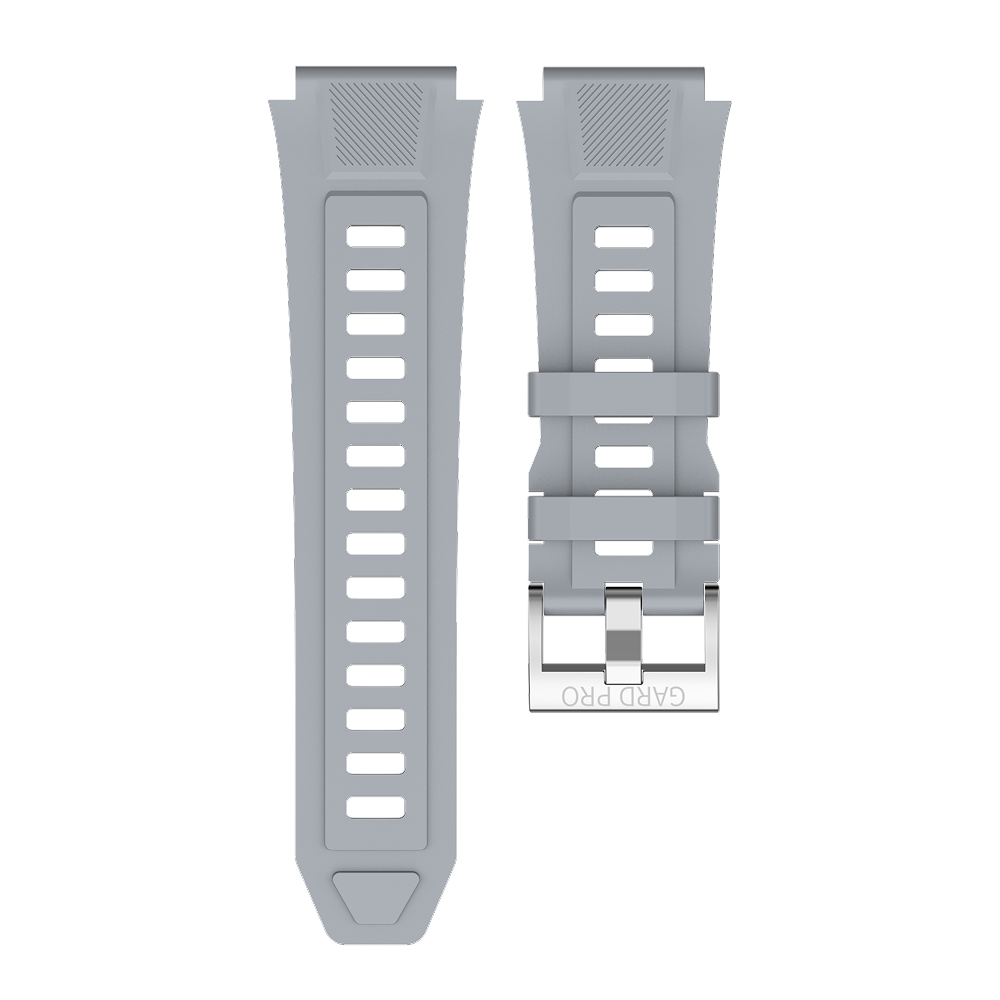
Additional Accessories & Straps
CONTACT & payment
No worries! If you forgot to enter a coupon code during checkout, please contact our customer service immediately. Depending on the status of your order, we may be able to add the code for you..